


I spoke at Intranätverk about creating decent intranet pages. It’s about knowing the tactics as to how to implement your content strategy. Here’s my presentation via SlideShare.
You’ll see that I reference the ‘Creating intranet content‘ guide which is a free download if you’d like to get into the details of what I was talking about.
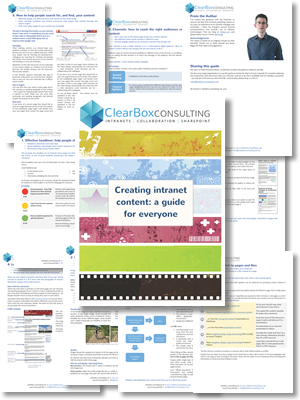 The guide covers ten common challenges:
- Effective headlines: help people choose what to read
- Images: attracting interest and conveying meaning
- Links: how to link to pages and files
- Layout: how to structure articles for scanability
- How to help people search for, and find, your content
- Content: write for your audience, not for your boss
- Documents vs pages: when to use PDF, Word, and other formats
- Engage: writing to start a conversation
- Channels: how to reach the right audiences with your content
- Mobile content
For more about content strategy, see Kristina Halvorson’s work, and consider the four elements of an intranet strategy.
Many thanks to Kristian Norling for inviting me to Sweden to present and lead a workshop.
[ Wedge ]If you’d like to share or tweet this article, try:
Content tactics – creating intranet pages: http://kilobox.net/3285 – by @Wedge


Such a great presentation and I love the Clearbox guidelines. Really, really useful – thanks Wedge!
Thank you, Jo; I was nervous on stage but had a generous audience :)